Authors
This module has no screen of its own. There is nothing to set up, nothing to fill in and no app to open — a developer installs it once and you will never see its name again.
What it does is decide what an assistant is allowed to do to your content. When you ask the assistant in the chat to create a product, fix a title or file a case study under a brand, this is the layer that checks the request against the same rules the form applies to you, and refuses it when it does not fit. So this page is not a list of fields: it is what you can count on, and what you will see the assistant say when it stops.
What the assistant can do
It works on the same content you edit, through the same rules:
| It can | What that means for you |
|---|---|
| Create, read, change and delete items | Products, case studies, clients, tags, redirects — whatever the module you are working in manages. |
| Organise them in folders | Create a folder, move an item into one, rename a folder, delete an empty one. |
| Reorder items | Move one to the first or last place, or up or down one position — the order you see in the list is the order it changes. |
| Publish and unpublish | Put an item live, or take it down. It can publish a whole folder including its contents when you ask for that. |
| Write in several languages | It fills in the language you are working in and can add the others, as long as they are configured for the site. |
It always works on one item at a time unless you ask for a folder, and it tells you what it did: the answer it gets back is the item as it was actually saved, re-read after saving — not what it intended to save.
What it asks before doing it
Four things never happen on the first request. The assistant comes back with a description of what would happen and waits for you to say yes:
| Request | What you get first |
|---|---|
| Delete an item | What would be deleted, its type, and how many things underneath it would go with it — plus a list of the first ten. Nothing is deleted until you confirm. |
| Delete a folder | The same, and it refuses outright if what you pointed at is not a folder. |
| Move an item | Where it is now and where it would end up, and how many items travel with it. |
| Rename a folder | The old and new name, and how many items sit underneath — because renaming a folder changes the address of everything inside it. |
Note — the reason those four ask and the others do not is that they change or remove an address. Links elsewhere in the site that point at an item by its address stop working when it moves; links that point at it by its internal identity survive. The confirmation exists so you see the size of the change before it happens, not after.
What it refuses
These are not failures — they are the assistant being stopped on purpose. Each one comes back as a sentence explaining what to do instead:
| It refuses to | Why, and what happens instead |
|---|---|
| Leave a required field empty | The same fields the form marks as required are required here. It will ask you for the missing one by its label. |
| Put a value outside the allowed options | If the field is a dropdown, only its options are accepted, listed back to you. |
| Ignore a field's format | A field that only accepts a certain shape — a code, a price, an address that must start with / — rejects anything else, with the same message the form would show you. |
| Point at something that does not exist | An image, a linked page or a related item has to be a real one. A made-up reference is refused rather than saved as a dead link. |
| Write a field that belongs to another feature | Some fields on your form are contributed by a different feature — the SEO fields on a product, for example. The assistant is told which tool owns them and uses that one. Before this existed those values were dropped without a word. |
| Change a field the system fills in itself | Anything shown as read-only stays read-only, even if the assistant is asked to set it. |
| Write in a language that is not set up | Only the languages configured for the site are accepted, and nothing is written at all if one of them is wrong — you do not end up with half the translation saved. |
| Treat a folder as an item | Changing, deleting or reordering aims at items. Pointing at a folder by mistake is refused, with the folder actions offered instead. |
What happens on its own
You do not have to ask for any of this:
- The technical name of a new item is derived from whatever names it — its title, its label, its
code — and cleaned up: accents removed, spaces turned into dashes, all lower case. "Mi Tema"
becomes
mi-tema. - A change is only a change. Asking to fix one field leaves every other field exactly as it was. It does not reset what it was not asked about.
- Translations survive an edit. If a change would have wiped the other languages of a field as a side effect, they are put back — except in the language you were actually editing, where what you just asked for wins.
- Unpublishing before deleting. An item that was live is taken down first, so nothing is left stranded on the public site.
- A folder is created when an item needs one, if you named a brand or a category that does not have its folder yet.
- A saved translation is checked. After writing, it is read back; if the text did not survive being stored — which certain invisible characters can cause — you are told, instead of finding out later that a language is empty.
Where you see it
Nothing in this page has its own window. You meet all of it through whichever assistant your instance offers — the chat inside AdminCentral, or an external assistant a developer connected. Both go through the same rules, so the answers are the same in both.
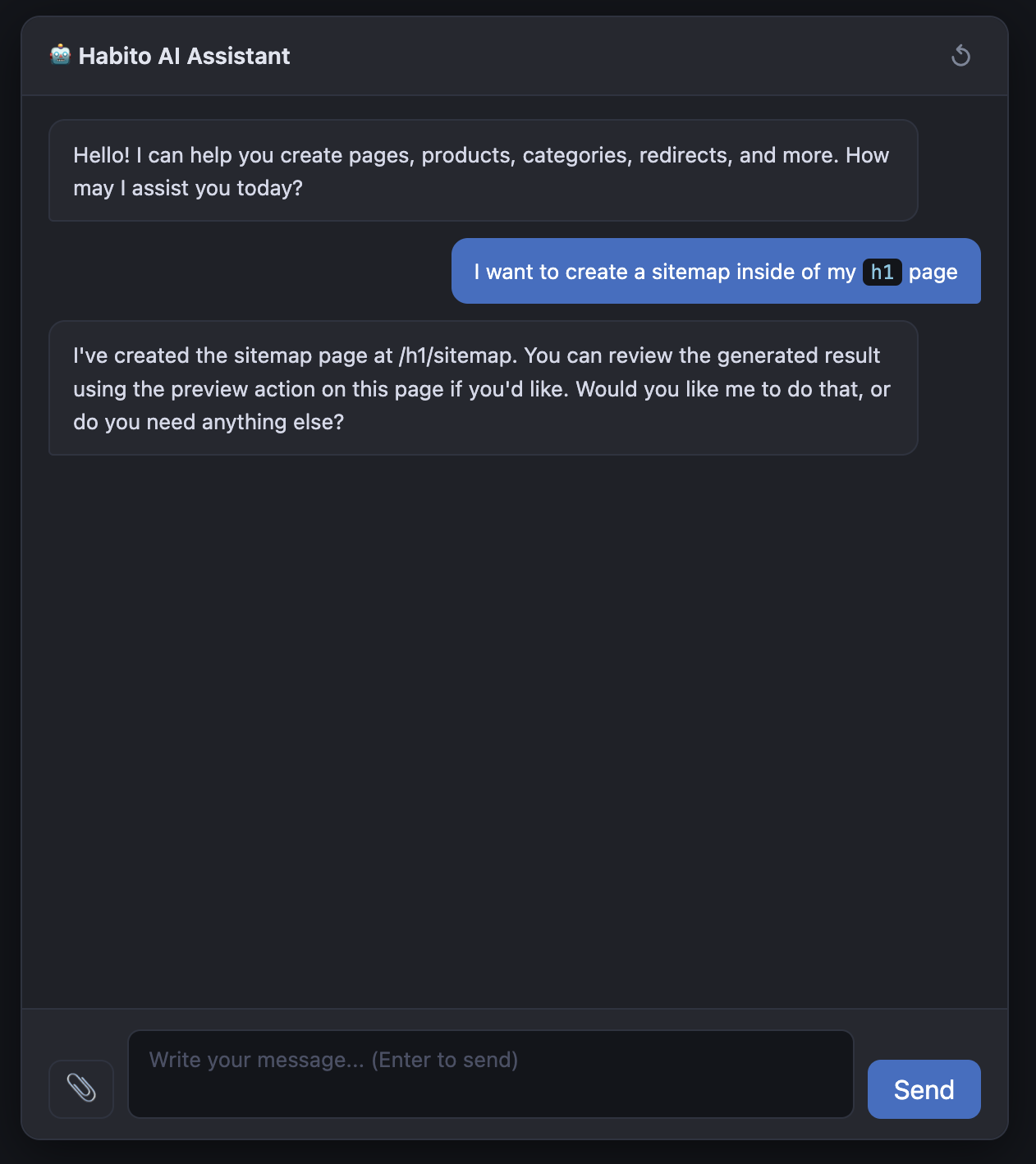
If an assistant tells you it cannot see your content at all, that is a setup question rather than something you did: point your developer at Developers · Installation.