Authors
Everything in this page is done from AdminCentral. You never edit a file.
The Sites app
The Sites app holds one entry per site you run. An entry answers three questions at once: which addresses belong to this site, where its content starts, and what the site looks like when it is named somewhere — in a browser tab, in a Google result, in a WhatsApp preview.
The front end asks the app which site to serve on every request, so an edit here is live as soon as you save it. There is no release to wait for.
Identity
| Field | What it does |
|---|---|
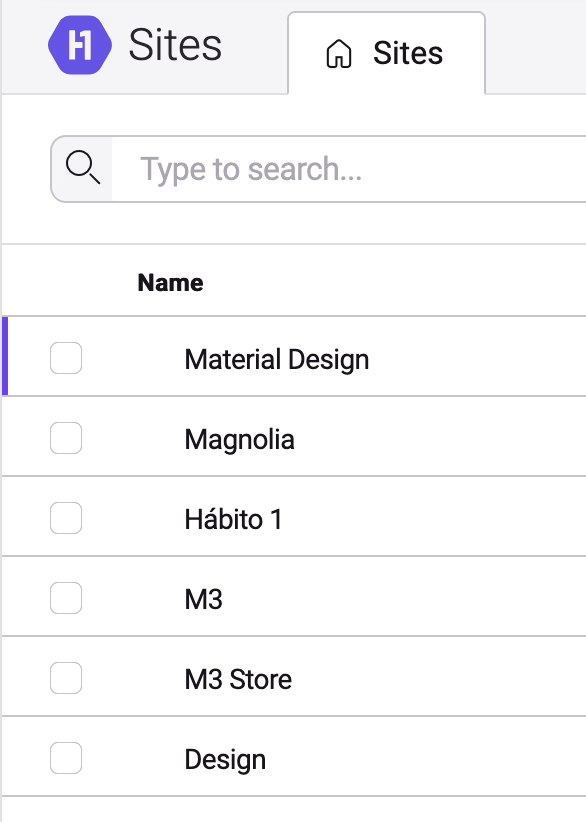
| Name | The name of the site. It is what other apps and the front end show when they name it, and it feeds the organization name in the data Google reads. Required. Per language. |
| Description | A short description of the site, up to 200 characters. Per language. |
| Logo | The site's logo, picked from the media library. Used wherever the front end paints the brand. |
| Favicon | The small icon browsers show in the tab and in bookmarks. Picked from the media library. |
| Default social image (OG) | The image used when a page of this site is shared and the page itself has no image of its own. Use 1200×630 pixels. |
| Organization type (Schema.org) | Tells search engines what kind of organization is behind the site. Organization by default; also Corporation, LocalBusiness, ProfessionalService, OnlineBusiness, EducationalOrganization and NGO. |
| Phone | The site's contact phone number. |
Where the site lives
| Field | What it does |
|---|---|
| Root Page | The page this site starts at, picked from the page tree. Everything below it belongs to this site. Required. |
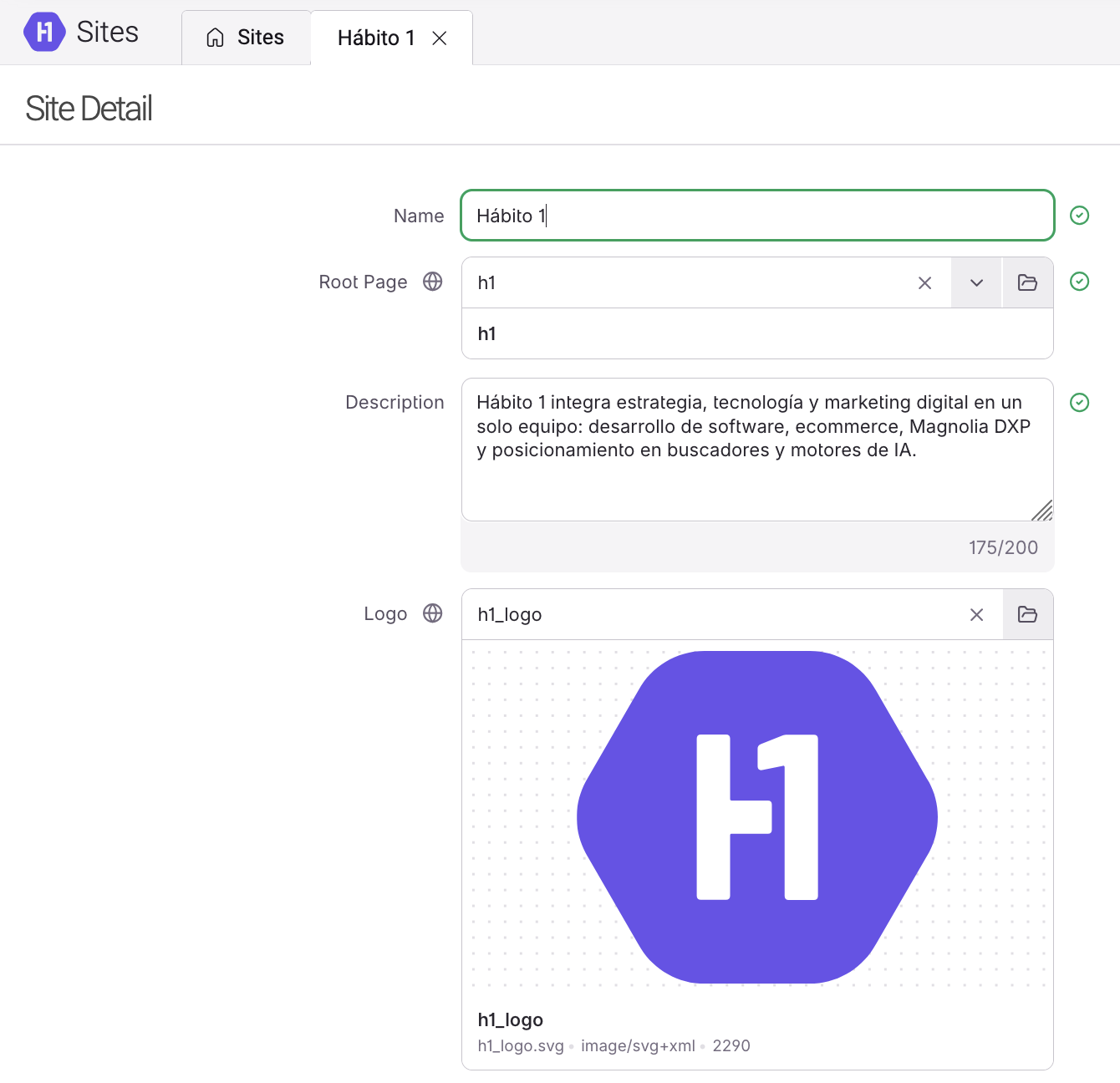
| Base URL | The site's public address, for the places that need to print a full link rather than an internal path. |
| Domains (regex) | The addresses that resolve to this site. One per row, and a row can be a pattern rather than a single address. Required — a site with no rows is never matched. |
Social profiles
Add one row per network under Social Media. Each row is a Platform — Instagram, Facebook, TikTok, LinkedIn, WhatsApp, YouTube, Twitter / X or Pinterest — and a URL / Link, the full address of the profile.
Use each platform once. The form lets you add two rows for the same platform, but the platform is what identifies the row everywhere else: if the site is later updated from outside the app — by the front end or by an assistant — one of the two duplicated rows is dropped without warning. Where a brand really has two accounts on one network, put the second one on the page that lists them instead.
What an empty field does
Nothing that is empty ever breaks a page.
- Description, Phone and Base URL are simply absent — whatever shows them leaves them out.
- An empty Logo or Favicon means the front end falls back to whatever it ships with.
- An empty Default social image (OG) means a shared page uses its own image; if the page has none either, the preview goes out without an image.
- An empty Organization type (Schema.org) is read as Organization, the safe generic value.
- No Social Media rows means the data Google reads carries no profile links.
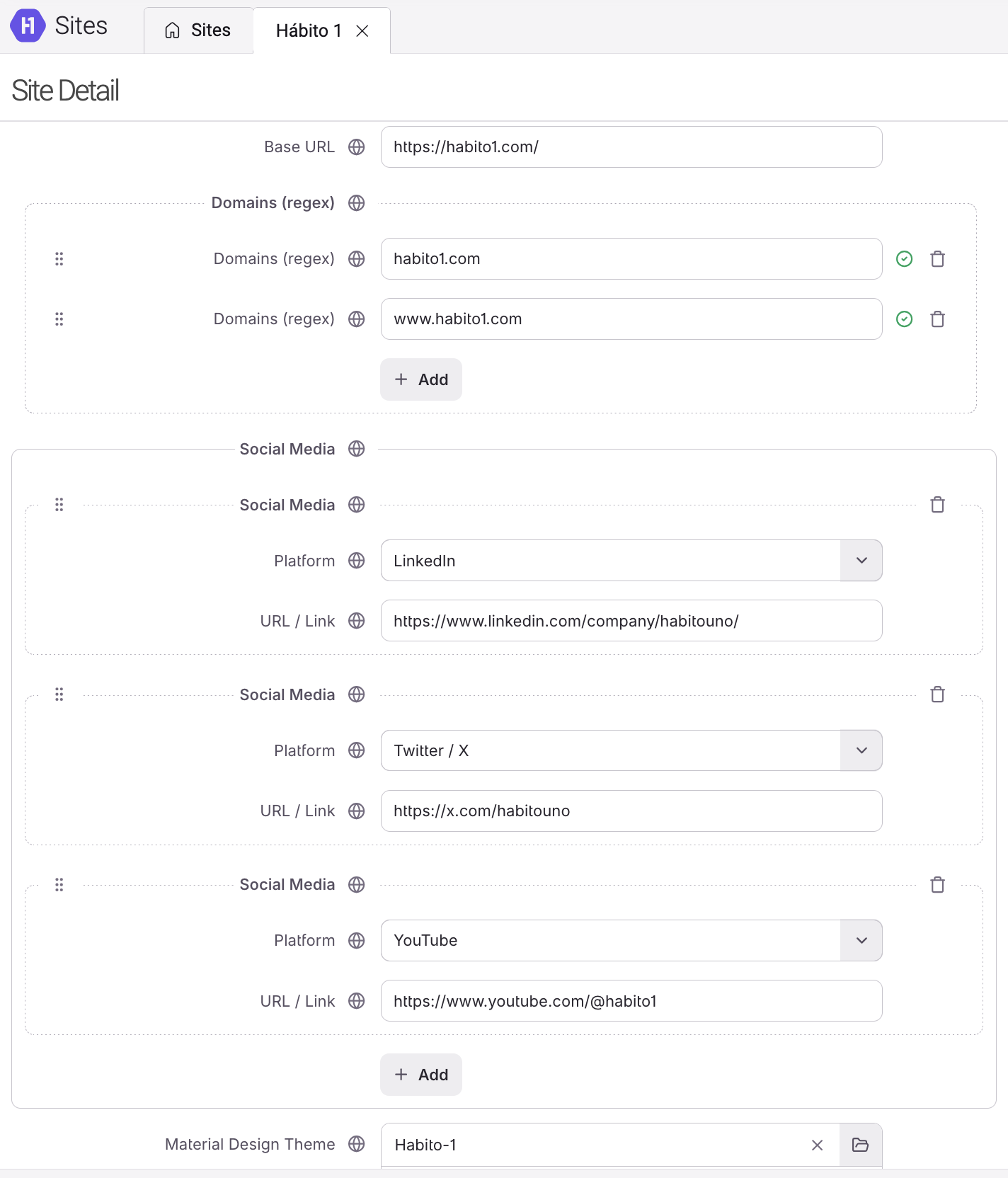
- An empty Material Design Theme means the site is served with the front end's own defaults.
Name, Root Page and Domains (regex) are required and the form will not let you save without them.
How a domain is matched
Each row of Domains (regex) is a pattern, and a * stands for "anything here". The site is
chosen when the visitor's address matches a row completely — a pattern that covers only part of
the address does not match.
| Pattern | Matches | Does not match |
|---|---|---|
habito1.com |
habito1.com |
www.habito1.com |
*.habito1.com |
www.habito1.com, shop.habito1.com |
habito1.com |
*habito1.com |
habito1.com, www.habito1.com |
habito1.com.ar |
* |
anything | — |
To cover both the bare domain and its subdomains, either write *habito1.com or add the two rows
separately. Adding rows is the clearer option, and there is no limit on how many you add.
Note — the addresses of a site's staging and development environments are ordinary rows. Add them to the same site instead of creating a copy of it, so the two environments cannot drift apart.
The order of the list decides
When more than one site could match an address, the first site in the list wins — the order you see in the app is the order it is checked in. Two consequences worth knowing:
- A catch-all row (
*) turns its site into the answer for every address that no earlier site claimed. Keep that site last. - If a site starts serving the wrong brand after you add another one, look at the order before you look at the patterns.
What happens on its own
- The theme travels with the site. When a site points at a Material Design Theme, the front end receives the entire theme together with the site's identity, in the same request. You never have to copy theme values into the site.
- Name and Description follow the reader's language. The front end asks in the visitor's language and gets the translation you filled in, falling back to the default language where a translation is missing.
- A missing theme is ignored, not an error. If the theme a site points at is later renamed or deleted, the site keeps working and is served without a theme.